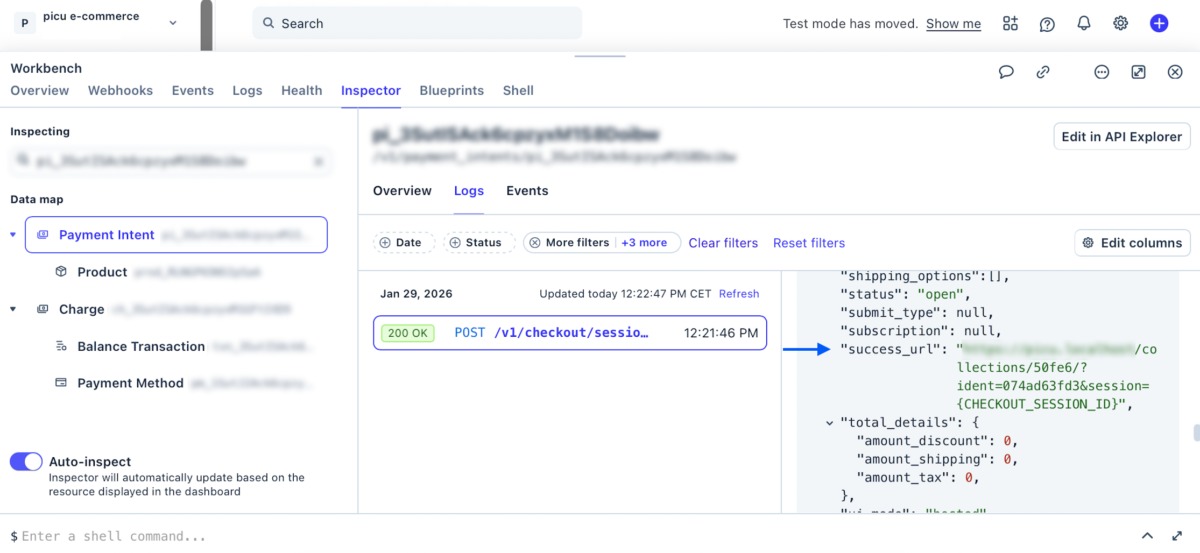
If payments go through and show up as successful in Stripe, but the orders don’t get “Completed” in picu, there are a few things you can check.
Please make sure to go through these steps and include what you find if you contact us.
Check Stripe Transaction Logs
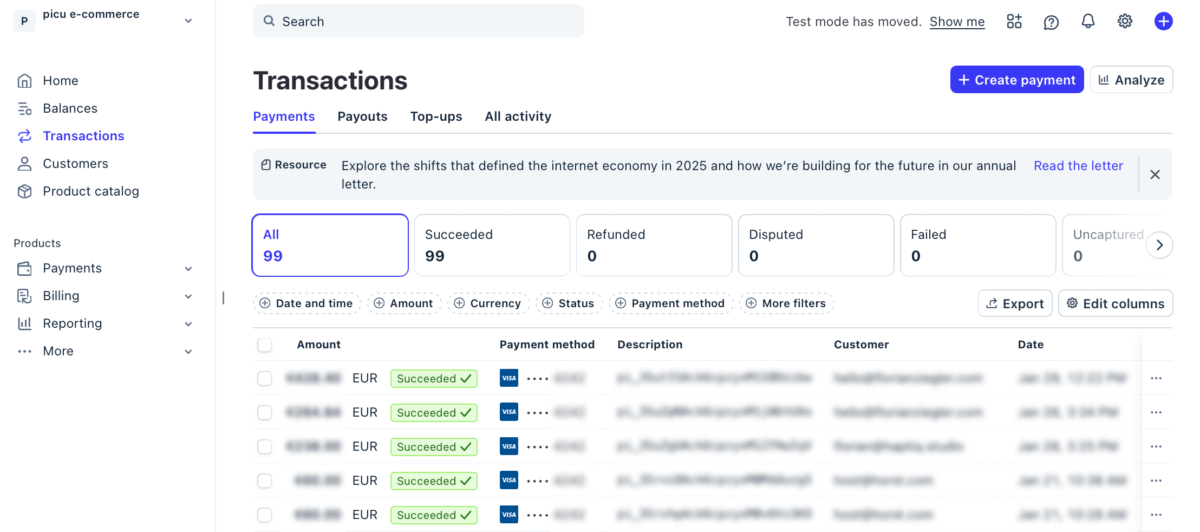
- Login to stripe and click on “Transactions” in the left Sidebar Menu.
e-
- Click on one of the successful transactions to open transaction details.
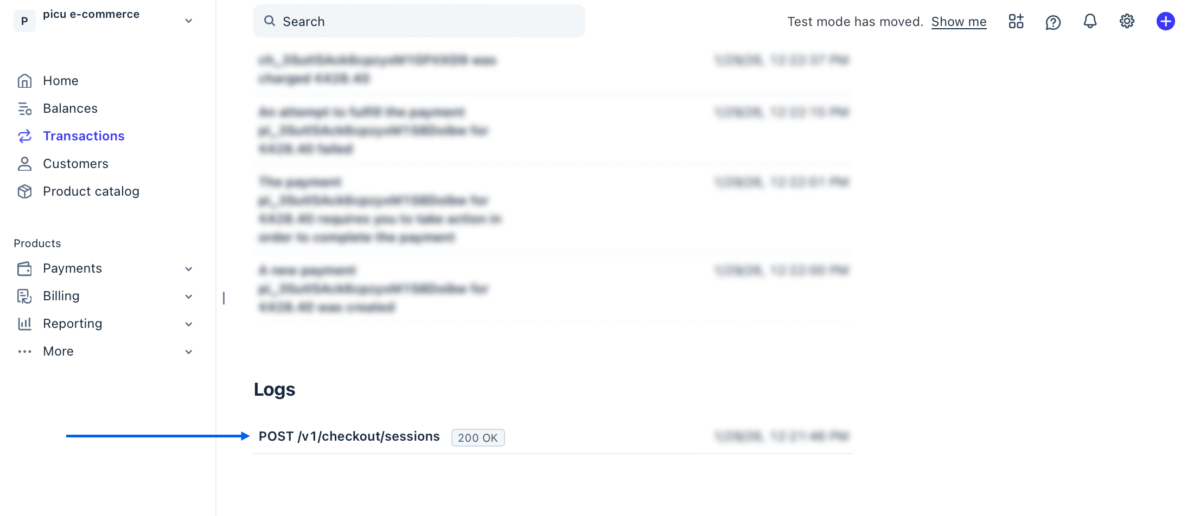
- Scroll all the way down. Click on the entry under “Logs”.
- Logs should open in “Workbench“. Click on a POST event in the list to open the Log’s details. Scroll down until you see “success_url” and “cancel_url“.