
On this page you find everything about how to set up and use the e-commerce features in picu Pro to sell photos. If you’re looking for a broader overview on how to sell photos online, read Selling Photos Online — A Complete Guide for Photographers.
- How to set up taxes
- How to get and integrate your Stripe API key
- How to setup PayPal
- Infos about currencies
- Set up a collection to sell images
Settings
Currency
Select which currency you want prices to be displayed in.

Find more information of the supported currencies and how to extend them.
Currency Position
Decide whether the currency symbol should be displayed before or after the price.

Thousand separator

Decimal separator

Address
Enter your business address, which will be used on invoices, etc.

Taxes
Have a look at this dedicated page to setup taxes for picu.
Bank Transfer
Activate “Bank Transfer” and enter your account details to allow clients to transfer money directly to your bank account.
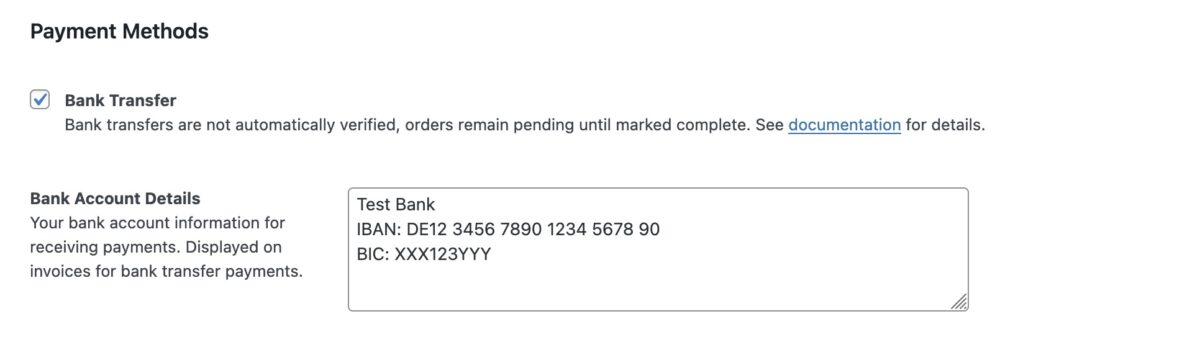
Bank account details will be sent to the client with the confirmation email and will be displayed on the invoice.
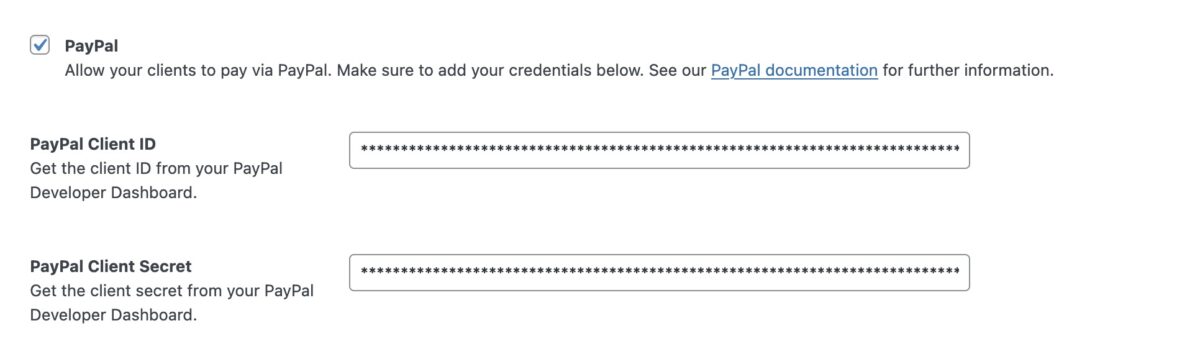
PayPal
Activate to allow your clients to pay directly via PayPal. See our PayPal setup guide for detailed instructions.
Stripe integration
To use Stripe during checkout, you need to add your API key:

Learn more about Stripe API keys.
Notes on using Stripe:
- Make sure that the currency you selected can actually be processed by Stripe. Here’s a list of supported currencies.
