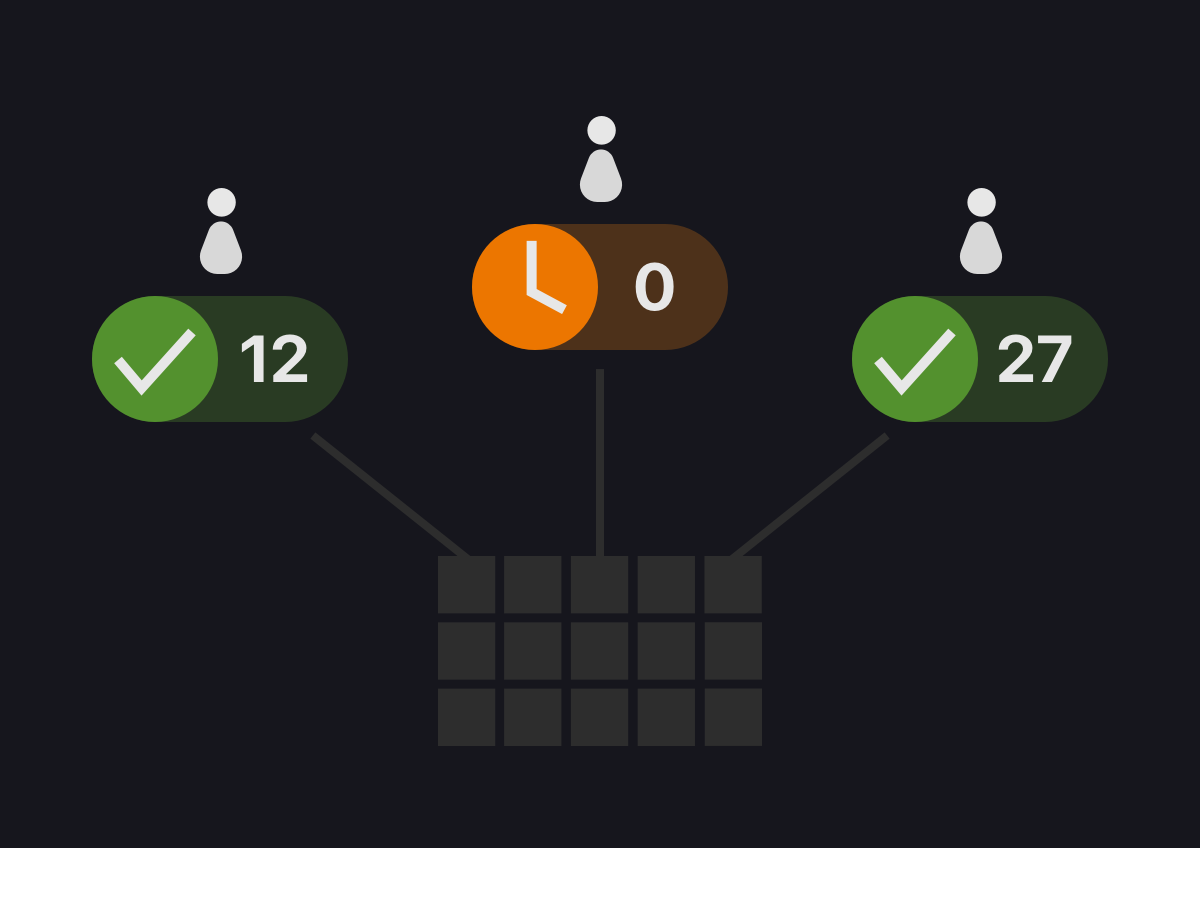
Multi-Client Support

Send your collections to multiple recipients at once and receive individual selections from each of them.
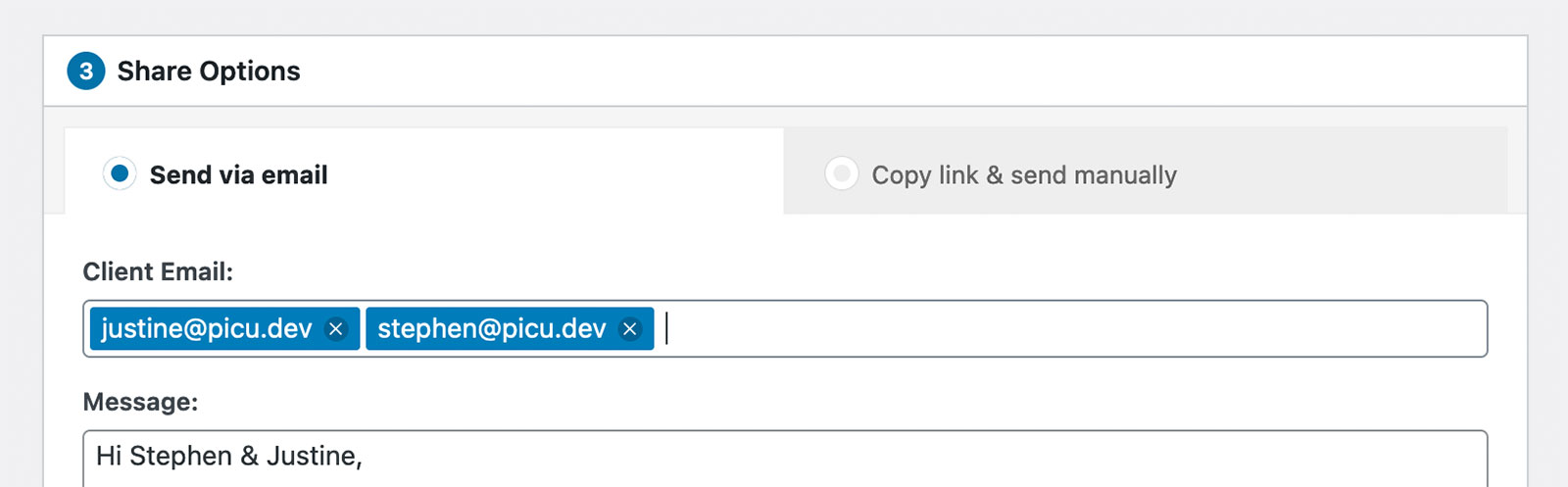
Entering muliple email addresses

Enter multiple email addresses

Save even more time by sending the same collection to multiple recipients at once.
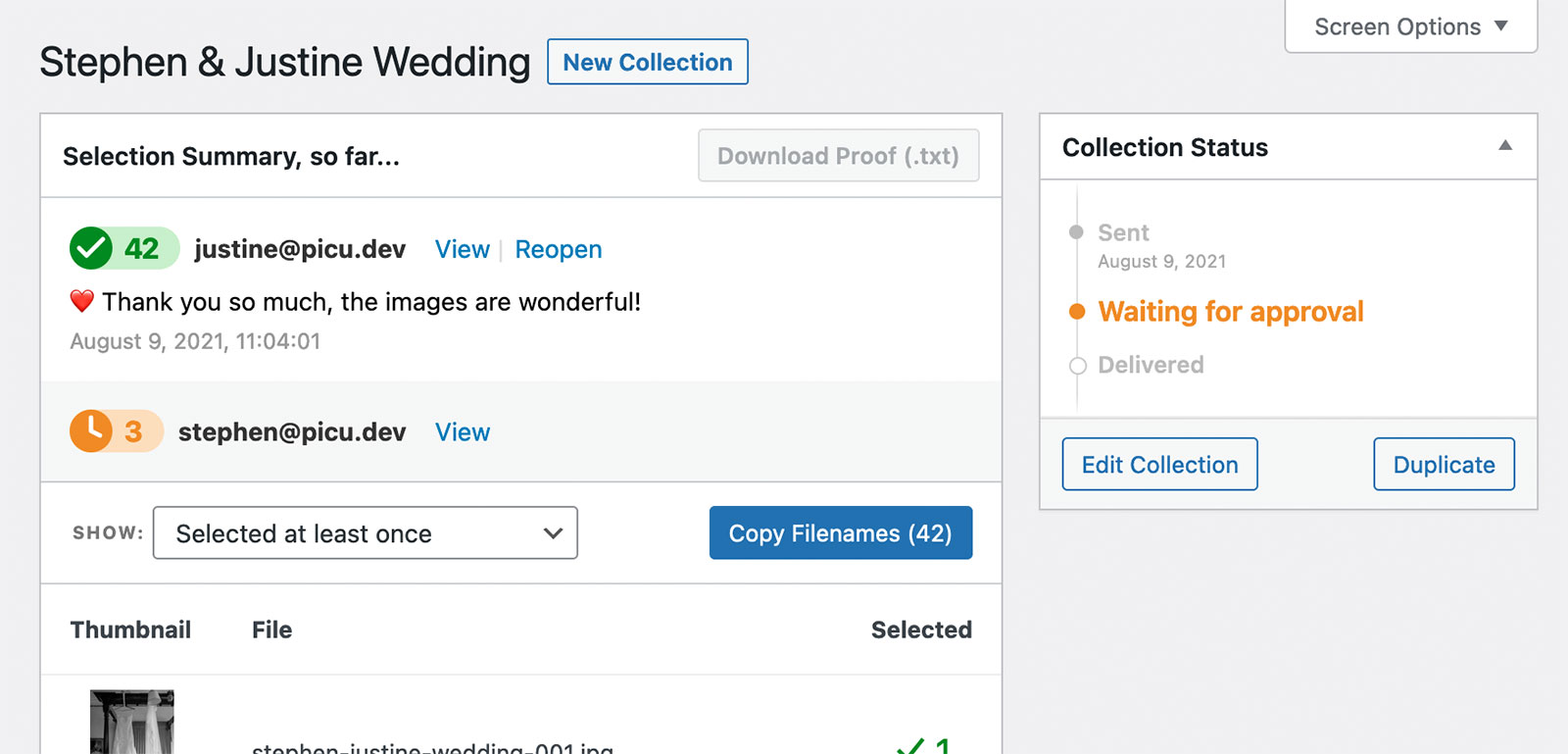
picu approved view with multiple recipients

See the status for each recipient

The approved view shows you the state for each recipient.

Receive individual selections from each of the recipients

The approved view shows you exactly which images each recipient has selected and you can easily copy the filenames of individual selections or images that have been selected by all of the recipients.

Related Posts

These posts could interest you as well, read on to get the full picture.

  • Update – February 2026

    Here’s a look at some of the things we worked on in February, and what’s coming up next. Improving Image Protection (Pro) Ever since we started building picu, one question came up over and over again: How do I really protect my images? Over the years, we’ve added a solid set of protective measures like

    Read more

  • Update – January 2026

    Here’s what we’ve been up to this past month. Collections List Block We released our very first custom block for picu. In the past, if you wanted to create a client area, you could use our (now legacy) shortcode to display a list of collections in the frontend. While this worked well in the past

    Read more